enCounter
A downloadable tool for Windows and Linux
enCounter
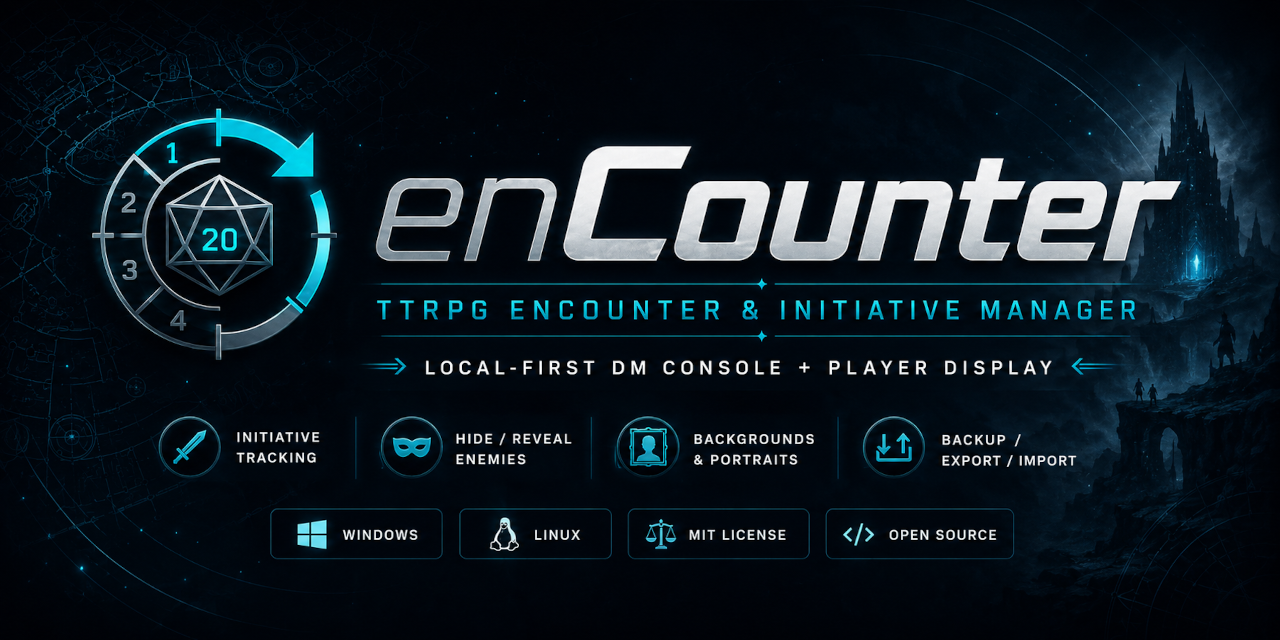
enCounter is a free, open-source encounter and initiative manager built for tabletop RPG game masters.
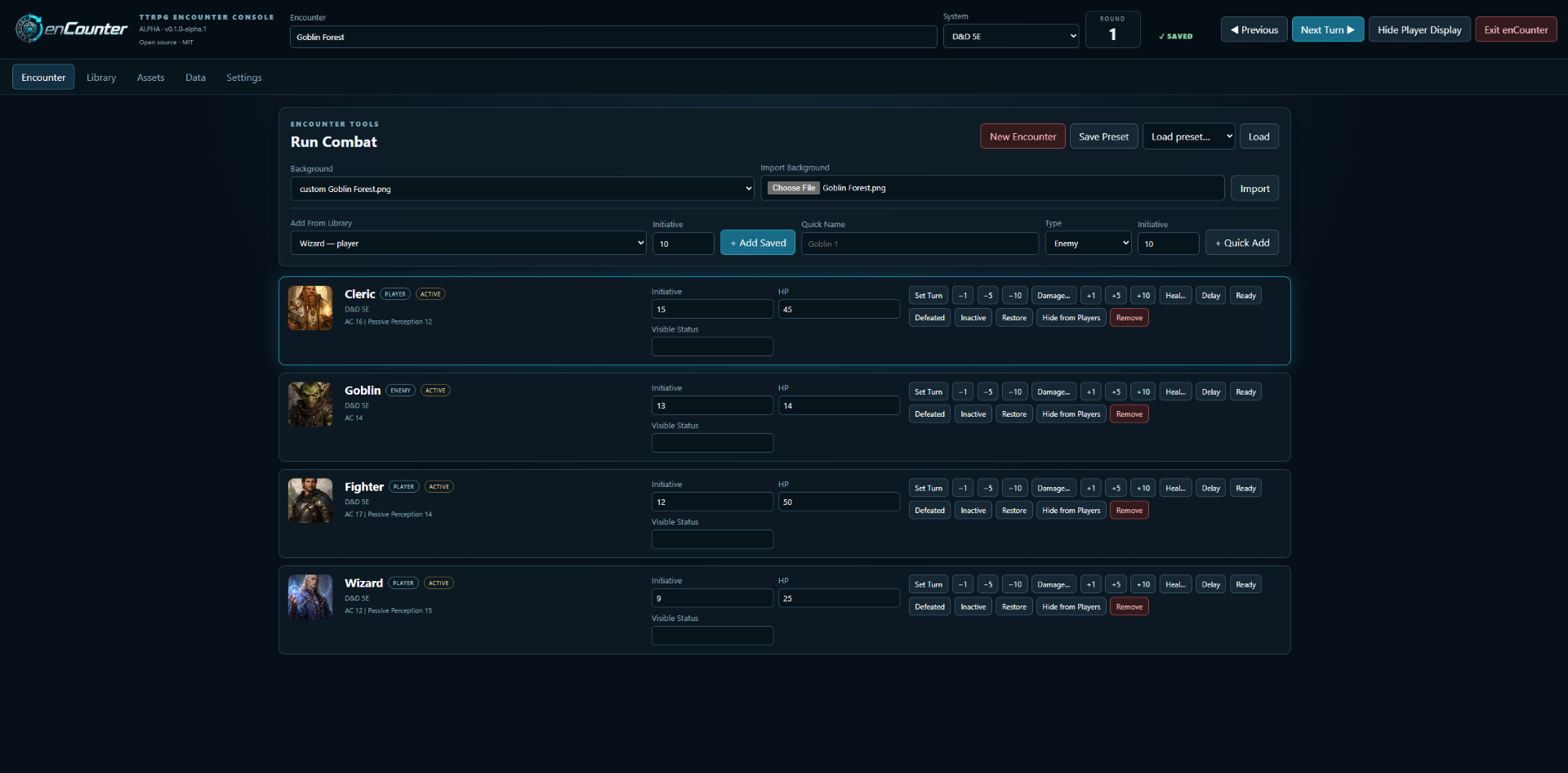
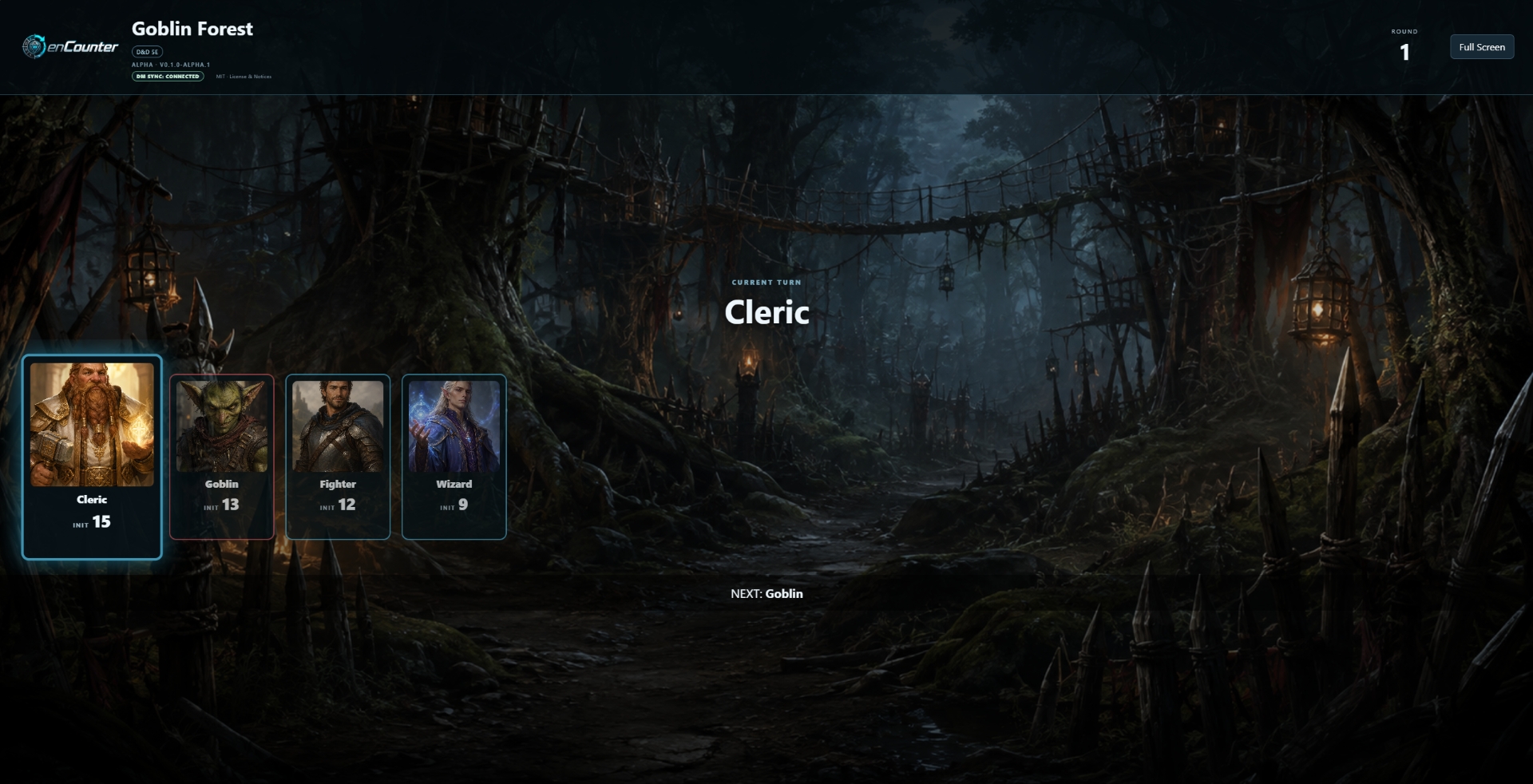
It provides a dedicated DM Console for running an encounter and a separate Player Display that can be shown on a second monitor or TV.
enCounter is currently in Alpha. The application is usable, but features, interfaces, and file formats may change as development continues.
Features
• Track initiative and combat order
• Add players, NPCs, enemies, and creatures
• Separate DM Console and Player Display
• Hide the Player Display while making private changes
• Hide enemies until you are ready to reveal them
• Character portraits and encounter backgrounds
• Conditions, abilities, resources, and combat information
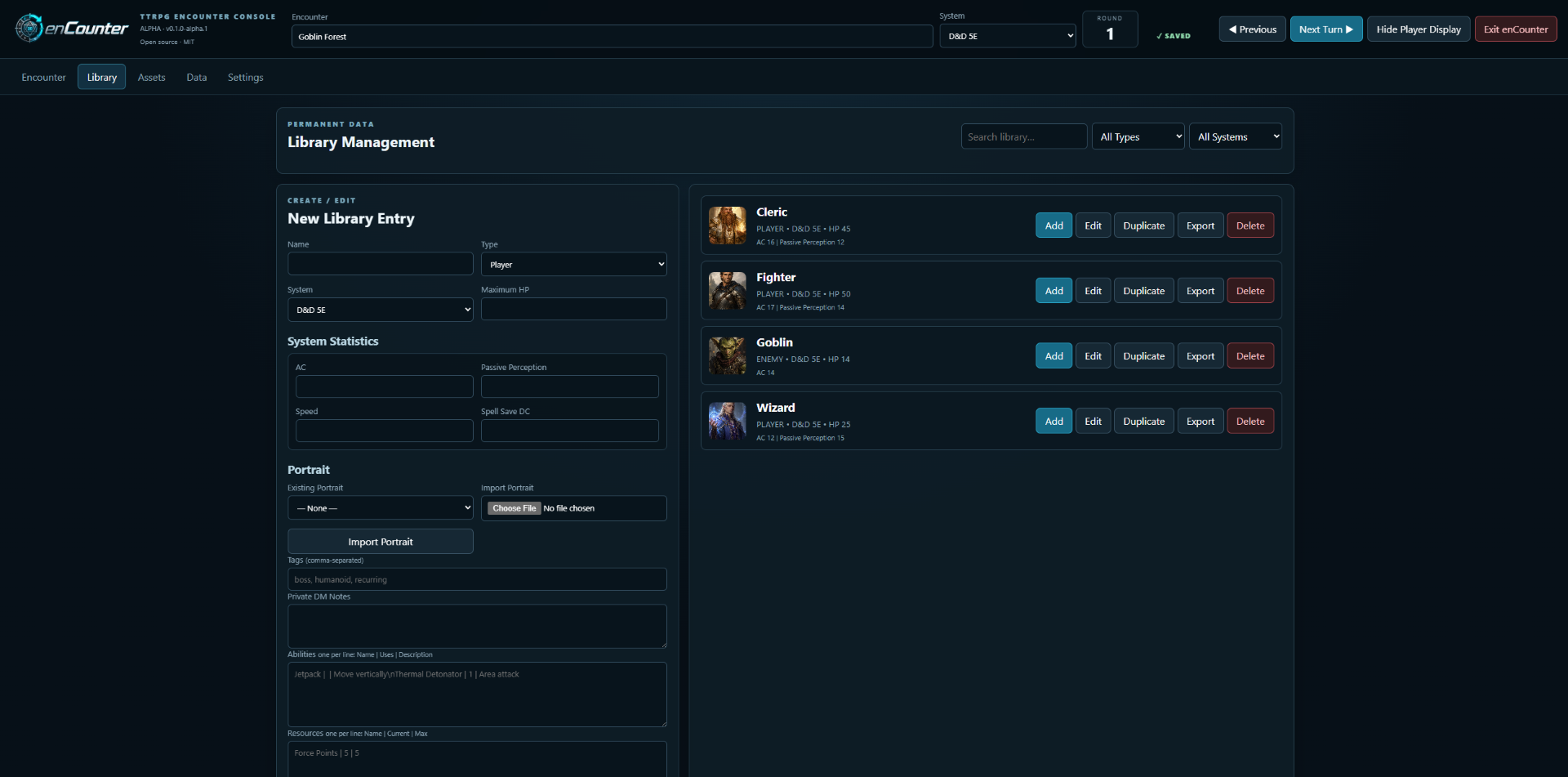
• Reusable character and creature Library
• Multiple rules-system profiles and generic TTRPG support
• Autosave and encounter recovery
• Export and import data
• Runs locally on your computer
• Windows and Linux portable releases
Player Display
The Player Display is designed for gaming tables using a second monitor or TV.
The DM can start the display, hide it when making private changes, and show it again when the updated encounter is ready for the players.
When hidden, players see a STAND BY screen instead of the DM's changes.
Alpha Release
This is an early public Alpha release.
You may encounter bugs, unfinished features, or interface changes.
Feedback from game masters using enCounter at real tables is especially welcome.
Before updating to a newer Alpha release, keeping a backup of important enCounter data is recommended.
Download
Choose the Windows or Linux portable package below.
No installation is required for the portable version.
The User Guide is also available as a separate download.
Open Source
enCounter is free and open-source software released under the MIT License.
Source code, development history, and release information are available through the enCounter GitHub repository.
Feedback and Support
Found a bug?
Please use GitHub Issues.
https://github.com/zygons/enCounter/issues
Have a question, idea, or suggestion?
Please use GitHub Discussions.
https://github.com/zygons/enCounter/discussions
Security vulnerabilities should not be reported through public issues. Please follow the security reporting instructions in the GitHub repository.
AI-Assisted Development
AI tools were used to assist with portions of enCounter's development and documentation.
enCounter itself does not include generative AI functionality and does not intentionally send campaign or encounter information to an AI service.
Additional information is available in the project's AI assistance documentation.
License
MIT License
Copyright © 2026 Zygons
Download
Install instructions
Windows
- Download the Windows Portable ZIP.
- Extract the ZIP to a folder of your choice.
- Open the extracted folder.
- Run
enCounter.exe. - The current Windows Alpha build is not code-signed, so Windows may show an “Unknown publisher” or SmartScreen warning. If Windows SmartScreen appears, review the warning and choose the option to run the application if you trust the download.
No installation is required.
Linux
- Download the Linux
.tar.gzpackage. - Extract the archive.
- Open the extracted enCounter folder.
- Run the included launcher/start script or executable.
- If needed, make the launcher executable before running it.
User Guide
A separate enCounter User Guide.pdf is available with the release and includes detailed setup and usage instructions.
Important
enCounter is currently Alpha software. Back up important encounter or library data before upgrading to a newer Alpha release.
Development log
Leave a comment
Log in with itch.io to leave a comment.